
NEWS
Here’s the Samsung One UI 8.5 Beta (Android 16) Changelog: Leaked

Samsung will officially announce the One UI 8.5 Beta Program for Galaxy devices. The company’s most recent Galaxy S flagship and foldable phones are eligible for the open beta testing opportunity. Ahead of the Beta Program going live, we’ve got access to the complete changelog of Samsung’s One UI 8.5 software, built on Android 16.
Recently, Samsung lover Tarun Vats leaked the One UI 8.5 beta update changelog, which brings lots of new features and improvements. The One UI 8.5 beta changelog brings Galaxy AI, Bixby, Connectivity, Quick Share, Weather, Samsung Health, Home and Lock screen, Clock, Battery and Power, Security and privacy, Accessibility, and more improvements.
One UI 8.5 beta update changelog:
Galaxy AI
Continuous image generation
Keep creating without stopping. Photo Assist now lets you generate AI images using different Photo Assist features without saving each iteration. When you’re done, you can review all your creations in your history and pick your favorites.
Bixby
Smarter device control
Talk to Bixby in your own words. Bixby is now better at finding the setting or feature you need, even if you don’t use exact commands or feature names. Just say what you need and let Bixby do the rest.
Ask anything, anytime
Whether you need a quick answer or detailed information, just ask Bixby for an instant response. There’s no need to spend time on multiple searches or switching between apps.
Conversation history
Looking back at past conversations with Bixby is easier than ever. You can now access your conversation history from the side panel in the Bixby app.
Connectivity
Storage share
Access your files anywhere. Files from your other Samsung phones, tablets, and PCs are available in the My Files app on your phone. You can also access your phone’s files on other Samsung devices, even your TV.
Quickly connect to Smart View devices
Connect to your favorite display faster. You can now add a shortcut on your Home screen to instantly mirror your phone’s screen to a TV or other display device.
Enhanced Auracast features
It’s easier than ever to listen to and broadcast sound with Auracast. Options for both broadcasting and listening are now located in the Audio broadcast menu in Settings.
Voice broadcasts
Broadcast your voice to people around you with Auracast. In addition to media sound, you can now broadcast your voice using your phone’s built-in microphone.
Quick Share
Avoid unwanted sharing requests
You can now set Quick Share to only receive files from other devices signed in to your Samsung account or Google account.
Photo sharing suggestions
Share photos with the right people faster. When you share pictures that include friends or family, Quick Share can recognize who’s in them and suggest sharing directly with those people.
Home and Lock screens
Automatic Lock screen layout
Wallpapers with pictures of people or pets now fit perfectly every time. When you choose a photo for your Lock screen, the layout adjusts automatically so the clock and widgets don’t cover important parts of the picture.
More customizable clock fonts
Personalize your Lock screen clock. You can now adjust the thickness of more font styles to match your preferred look.
Weather
Enhanced weather widget
Quickly check upcoming precipitation in the Weather widget on your Home screen. The widget now shows a graph if precipitation is expected in the next few hours.
Pollen index
Check how much pollen is in the air to help manage your allergies. You can check pollen levels for trees, grass, and ragweed.
Clock
Weather alarm backgrounds
Wake up to an alarm that gets you ready for the day’s weather. Your alarm screen can now show the current weather conditions as a background when it rings.
Time zone converter
Compare time zones at a glance. The new slider in the Clock app makes it easy to check the time difference between places around the world.
Samsung Health
Enhanced weekly reports
See a fuller picture of your health each week. Weekly reports now include data from your medication tracker and mindfulness sessions.
Upgraded Sharing Experience
Share your workouts your way. Mix and match your exercise stats with photos from your workout to create the perfect social media post.
Start meditations from your watch
Find calm right from your wrist. You can now start favorite or recommended meditations directly on your Galaxy Watch without picking up your phone.
Antioxidant measurements from your watch
Check your antioxidant levels anytime. Measure directly from your Galaxy Watch, even if it’s not connected to your phone. Works with Galaxy Watch8 and Galaxy Watch Ultra.
Security and privacy
Theft protection
Keep your phone and data safe in case it is lost or stolen. Turn on Failed authentication lock to automatically lock the screen in case there are too many failed attempts to verify your identity using your fingerprints, PIN, pattern, or password. Identity check also protects even more settings than before.
Turn off Auto blocker temporarily
If you need to temporarily disable Auto blocker’s security protection, a new option lets you turn it on automatically 30 minutes later so you don’t forget.
Battery and power
Revamped battery info
See your battery use more clearly. The redesigned Battery settings screen makes it easier to check remaining time, charging status, and daily usage over the past week.
Improved Power saving
Use Power saving to make your battery last longer without charging. Choose Standard for moderate savings and customizable limits, or choose Maximum to turn off all non-essential features and make your battery last as long as possible.
Accessibility
Easily control Bluetooth hearing aids
Access settings for your Bluetooth hearing aids directly from the Accessibility shortcut. A pop-up will appear that lets you change your hearing program, turn Ambient sound on or off, and more.
Control magnification with mouse or keyboard
Keep what you need magnified in view with these new options. You can make the magnified area follow the cursor as you type or move when you change focus using the keyboard. When using a mouse, you can make the magnified area shift as you move the pointer to the edge of the screen.
Dwell action and Corner actions
The Auto action after pointer stops feature has been divided into 2 features. Dwell action lets you set custom actions when your mouse stops moving for a certain amount of time. Corner actions let you set a different action for each corner of the screen.
Even more improvements:
More customizable quick panel
Arrange your quick settings just the way you like them. You can now add, remove, reorder, and reorganize controls in the quick panel.
Early alerts for reminders
Get alerts before reminders are due to make sure you don’t forget important tasks. You can choose how far in advance to get an alert for each reminder.
Partial screen recording
Include only what you need in your screen recordings. You can now select only the part of the screen that you want to record.
Calculator nudges
Save time on calculations. Numbers and formulas copied to your clipboard will be suggested when you open Calculator so you can enter them with a quick tap.
Keep window sizes in DeX
DeX now remembers your app window sizes and positions. When you open an app again, it appears just as you left it.





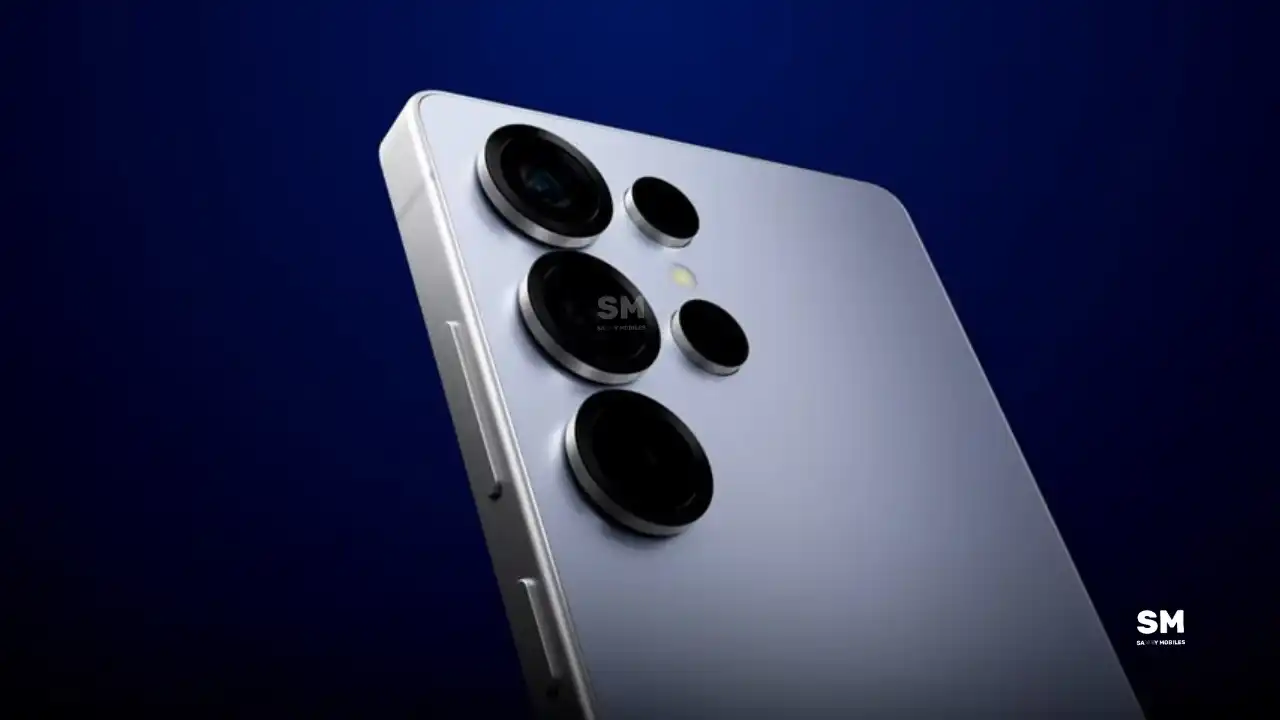
Samsung is reportedly planning major upgrades for its future Galaxy S27 series. Even though these flagship phones are still far from launch, new leaks have revealed that Samsung is working on the Galaxy S27 Pro alongside the Galaxy S27, Galaxy S27 Plus, and Galaxy S27 Ultra models.
Galaxy S27 Pro leaks
As per the GSMA database Documents, Samsung has three unannounced devices in the pipeline. The database has three model numbers: SM-S956U, SM-S957B/DS, and SM-S958U. According to this, the SM-S956U model number identifies it as the Galaxy S27+, while those for the SM-S957B/DS identify it as the Galaxy S27 Pro, and the SM-S958U lists it as the Galaxy S27 Ultra.
Additionally, the Pro variant phone is expected to resemble the Galaxy S27 Ultra in terms of specifications closely.
In terms of specifications, the Galaxy S27 Pro is expected to feature a more compact design, sporting a 6.5-inch Dynamic AMOLED 2x display. There is also talk that it will not include an S Pen.
As for the cameras, this phone could feature a 200MP primary rear camera, a 50MP ultra-wide camera with autofocus, and a 50MP telephoto camera with 3.5x optical zoom. Additionally, it includes a 12MP front camera for better selfies.
The Galaxy S27 Pro is expected to feature the Snapdragon 8 Elite Gen 6 Pro for Galaxy processor. Additionally, it may come with 12GB or more of RAM and 256GB or more of UFS 5.0 storage. The phone could house a 5,000mAh battery with 45W or faster charging.
Based on previous launch timelines, the Galaxy S27 series is expected to launch in the first quarter of 2027. Stay tuned for more facts.
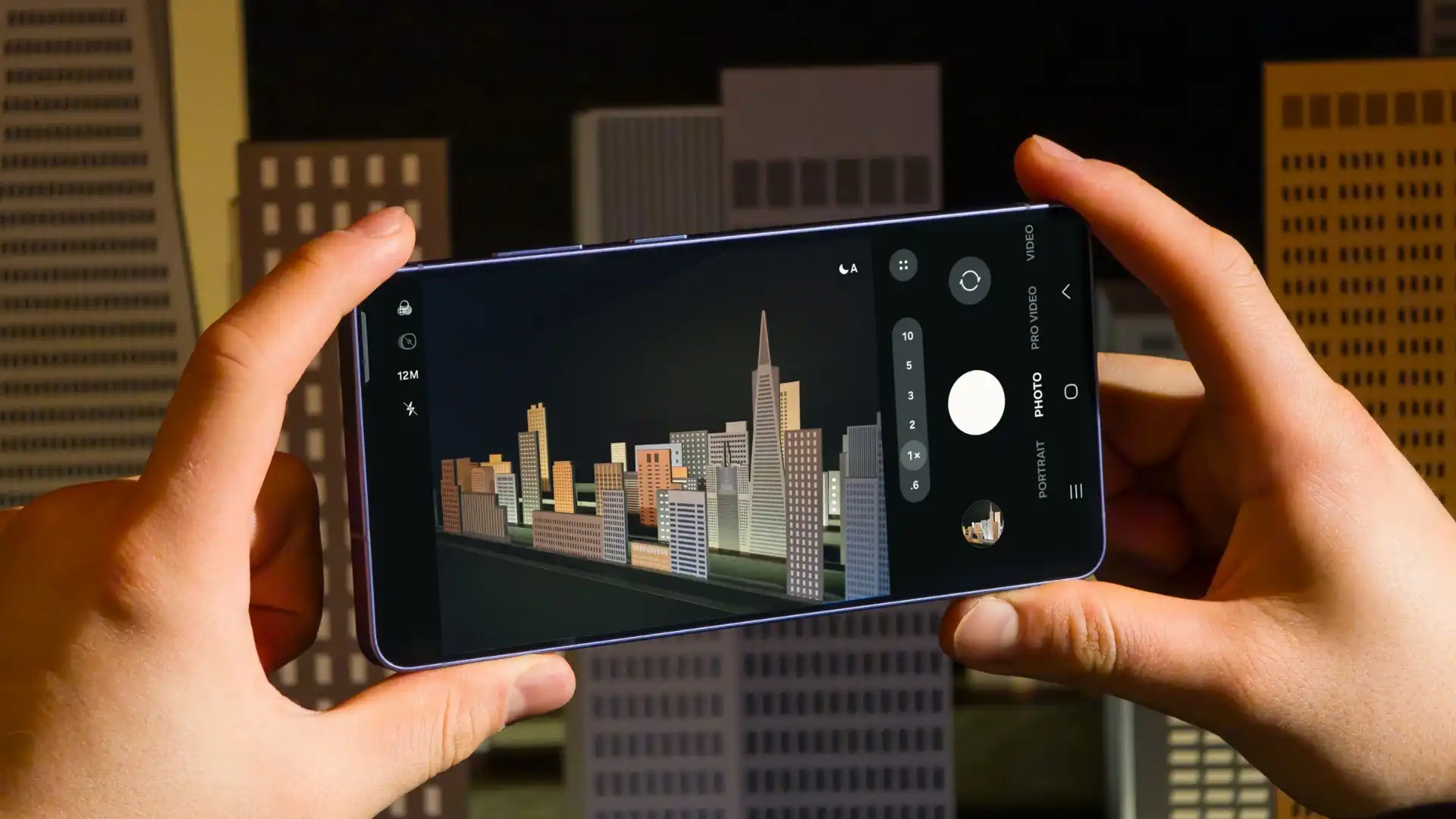
Samsung has reportedly commenced Android 17-based One UI 9 testing for the Galaxy S26 series. The first-ever Android 17 build has surfaced on Samsung’s firmware server, suggesting an early debut of the next One UI version.
An alleged Android 17 firmware has been listed on CheckFirm (via TarunVats) for the Galaxy S26 Ultra. That said, Samsung kicked off its work on the One UI 9 system for the latest flagship nearly two months earlier than usual.
Based on available information, Samsung is currently testing the BZC5 build on the Galaxy S26 Ultra. Samsung will take its time to refine this new operating system for Galaxy devices and will not rush the release of the firmware.
Although testing for One UI 9 has commenced early, this does not imply that it will become available to customers any sooner. Samsung will take the necessary time to optimize this new operating system for Galaxy devices and will not rush the firmware release.
On February 25, Samsung launched the Galaxy S26 series, and these phones will be available starting March 11. A day later, the company began rolling out Beta 6 for the Galaxy S25 series, but it seems this may not be the last beta before the stable version is released. Meanwhile, the Galaxy S25 series is still receiving updates through the One UI 8.5 beta program.
Samsung One UI 8.5 beta 7
A reliable tipster, @TarunVats, spotted a new One UI 8.5 beta build for the Galaxy S25 series on testing systems. The build ending in ZZC3 indicates that Samsung is preparing the seventh beta update for the S25 phones. It’s worth noting that this build began rolling out in March, but the patch level is still February 2026.
The new build suggests that the beta program is still active even after the Galaxy S26 series launched with One UI 8.5 features and improvements. Galaxy S25 Users may have to wait a little longer for the final stable update.
The latest One UI 8.5 Beta 6 update fixed many problems and improved the phone’s performance, including Bixby, Gallery, Now Bar, Now Brief, Display settings, Modes, and Routines.
At this time, Samsung hasn’t officially confirmed how many more beta updates will arrive or when the stable One UI 8.5 version will be released for the Galaxy S25 series and older phones. However, the new beta build is a strong indication that at least one more beta update is on the way. Galaxy S25 users who are part of the beta program should keep an eye out for new updates.
-

 NEWS2 years ago
About the Battery Health and performance of Galaxy S25
-
 NEWS2 years ago
Samsung Android 15 update: Which Galaxy devices will get One UI 7
-
 NEWS1 year ago
Join the One UI 8 Beta Program: Experience the latest One UI with Android 16
-
 NEWS2 years ago
More evidence suggests the Galaxy S25 Ultra may eventually adopt this Pixel security feature
-
 ANDROID1 year ago
Samsung Galaxy phones and tablets that should receive Android 16 and One UI 8 update
-

 NEWS2 years ago
Samsung Galaxy S25 Ultra battery and Charging test: Upgrade results
-
 NEWS2 years ago
Galaxy S25 to integrate Bixby and AI into camera app
-
 NEWS2 years ago
One UI 7 battery icon to show charge levels with dynamic colors