
NEWS
Surprise! Samsung Galaxy Z Flip 3 and Galaxy Z Fold 3 starts receiving One UI 7 (Android 15) update


After several Galaxy Z series smartphones, Samsung has finally started rolling out the One UI 7 update based on Android 15 for the Galaxy Z Flip 3 and Galaxy Z Fold 3. This update brings several new features and enhancements to provide a next-level foldable experience. It is currently available in South Korea, and the company will soon expand it to more countries. This series. As always, this major update is rolling out gradually, so it may take some hours or days to reach all models.
Users of Samsung Galaxy Z Flip 3 and Galaxy Z Fold 3 smartphones can identify the One UI 7 update by the One UI build versions F711NKSU8KYD9 and F926NKSU7KYD9, respectively. The installation package size of this update is around 4 GB. This major update makes the phones of this series more useful, smarter, and secure.
Samsung Galaxy Z Flip 3 and Galaxy Z Fold 3 have completed their Android OS update cycle with the One UI 7 update, and it is not eligible for the next OS update, Android 16. However, it is still suitable for security updates.
If you are using a third-generation foldable smartphone, install the update now via Settings >> Software update >> Download and install. Follow the on-screen instructions to install the update and enjoy the new features and improvements!
Based on Android 15, the One UI 7 update brings several new features and enhancements to deliver a next-level experience. After installing this update, you can now expand folders on the home screen for easy access. Also, it brings the Now bar on the lock screen that shows important information without unlocking your phone.
In addition, it installs the April 2025 Android security patch to improve system security and stability. This update makes your device smarter, more secure, and stable.

On February 25, Samsung launched the Galaxy S26 series, and these phones will be available starting March 11. A day later, the company began rolling out Beta 6 for the Galaxy S25 series, but it seems this may not be the last beta before the stable version is released. Meanwhile, the Galaxy S25 series is still receiving updates through the One UI 8.5 beta program.
Samsung One UI 8.5 beta 7
A reliable tipster, @TarunVats, spotted a new One UI 8.5 beta build for the Galaxy S25 series on testing systems. The build ending in ZZC3 indicates that Samsung is preparing the seventh beta update for the S25 phones. It’s worth noting that this build began rolling out in March, but the patch level is still February 2026.
The new build suggests that the beta program is still active even after the Galaxy S26 series launched with One UI 8.5 features and improvements. Galaxy S25 Users may have to wait a little longer for the final stable update.
The latest One UI 8.5 Beta 6 update fixed many problems and improved the phone’s performance, including Bixby, Gallery, Now Bar, Now Brief, Display settings, Modes, and Routines.
At this time, Samsung hasn’t officially confirmed how many more beta updates will arrive or when the stable One UI 8.5 version will be released for the Galaxy S25 series and older phones. However, the new beta build is a strong indication that at least one more beta update is on the way. Galaxy S25 users who are part of the beta program should keep an eye out for new updates.
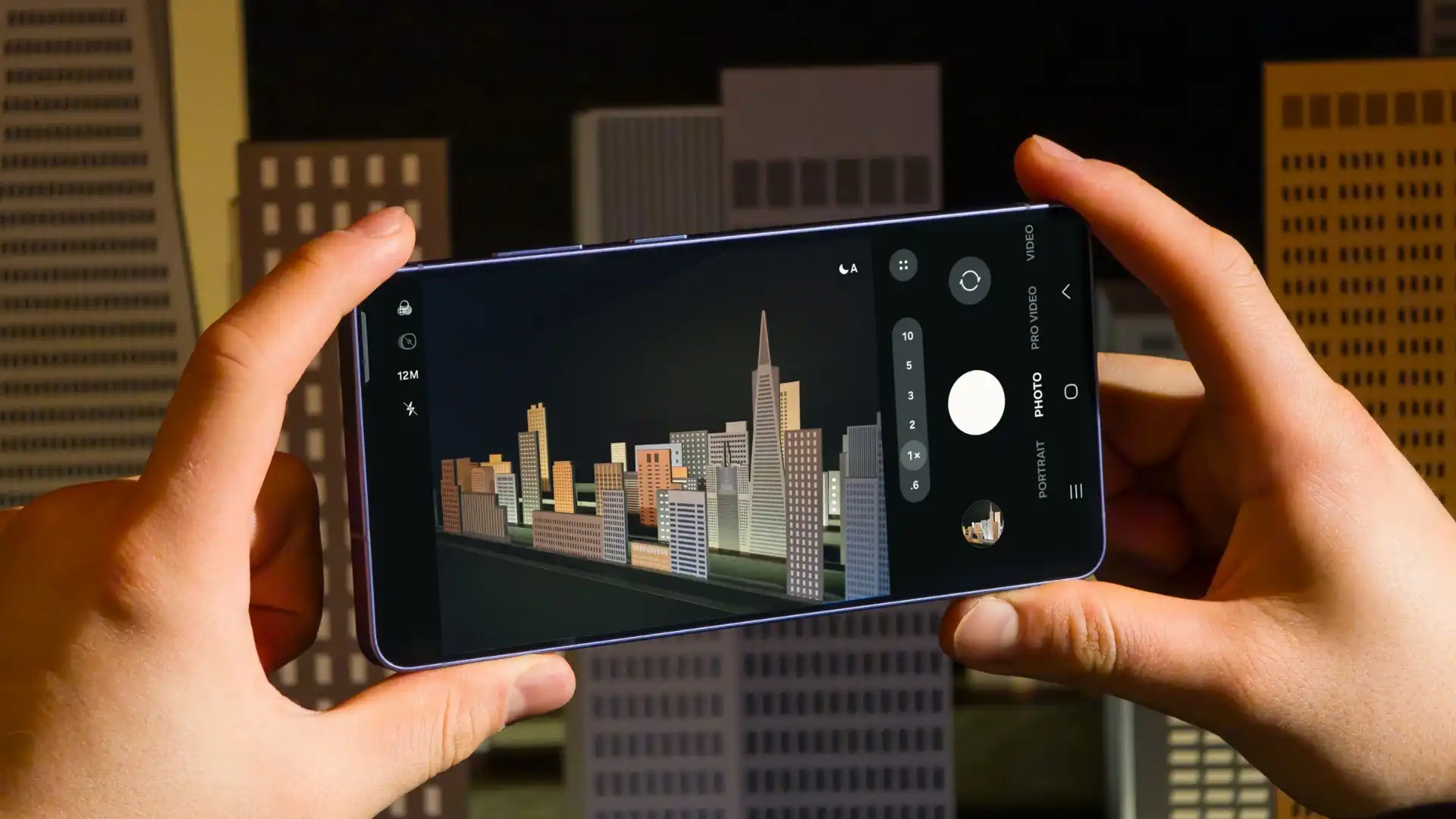
At the Galaxy Unpacked 2026 event on February 25, 2026, Samsung unveiled its new Galaxy S26 series. The series includes the Galaxy S26 Ultra, Galaxy S26+, and Galaxy S26. These new smartphones come with smarter AI features that help simplify everyday tasks. Now, we are talking about four hidden Galaxy S26 Ultra camera improvements, helping improve image and video quality.
Notably, the Galaxy S26 Ultra features Samsung’s most advanced camera system to date. Samsung has integrated its 200MP primary camera and 50MP telephoto camera into the Galaxy S26 Ultra, with a wide aperture to allow more light to reach the sensor.
Additionally, the Samsung Galaxy S26 Ultra features the powerful Snapdragon 8 Elite Gen 5 for Galaxy processor, allowing Samsung to improve camera performance, even though the phone uses the same sensor as the previous Galaxy S series Ultra.
Samsung Galaxy S26 Ultra gets four camera improvements
1. Improved 200MP images
The Galaxy S26 Ultra feature a mutltiframe HDR processing, so that it may now capture the better 200MP images. The company says these 200MP photos deliver clearer, more detailed, and greater dynamic range than 200MP shots taken on earlier Galaxy S series models.
2. New 24MP mode in the stock camera app
The Samsung Galaxy S26 Ultra has a new 24MP resolution option in the stock camera app. This new mode combines a 12MP multi-frame processed image with a 50MP high-resolution image using a system called AI Fusion. The resulting 24MP photo offers more detail than a 12MP image to reach the sensors, resulting in brighter, cleaner, and sharper images.
3. Virtual Aperture in Portrait Mode
The Galaxy S25 Ultra launched with a virtual aperture feature, but it was limited to the Expert RAW app. Now, Samsung adds a virtual aperture feature to the Portrait mode of the stock camera app on the Galaxy S26 Ultra, allowing users to digitally adjust the aperture.
4. Auto option for Motion Photo
As the name suggests, a motion photo is a short video clip captured alongside a still image. It includes a few seconds before and after the shutter button is pressed.. Now, on the Galaxy S26 Ultra, when the Auto option is on, Motion Photos are only recorded when significant movement is detected in the scene. If you capture a static scene, such as a…. landscape, with no visible motion, the Motion Photo will not be saved.

Samsung has released the February 2026 security update for four more Galaxy devices – the Galaxy Z Flip 7, Galaxy Z Flip 7 FE, Galaxy Z Fold 6, and Galaxy Z Flip 6. This update keeps your phone secure and running smoothly instead of adding new features or changing its look.
As always, this update improves the phone’s security and makes the system run more smoothly. This update fixes issues with the previous software version and helps make the device more stable. Samsung says this update is important because it protects users from security risks and keeps personal data safe.
Galaxy Z Flip 7 February 2026 update
Users of these devices can verify the latest update via the One UI build versions given below.
- Galaxy Z Flip 7: F766NKSS8AZB2
- Galaxy Z Flip 7 FE: F761NKSS8AZB2
- Galaxy Z Fold 6: F956NKSS3CZB2
- Galaxy Z Flip 6: F741NKSS3CZB2
.
Samsung usually rolls out updates gradually, so users in other markets should also receive the same update in a week or two.
To manually download the update, go to Settings >> Software Update >> Download and Install. Once the download is complete, tap Restart/Install Now to complete the installation. Make sure your phone is connected to a stable Wi-Fi network and has enough battery.
In addition to the security update, Samsung is also working on One UI 8.5. The beta version is currently available for the Galaxy S25 series in some regions, and Samsung has confirmed that the stable version will launch with the Galaxy S26 series tomorrow. Stay tuned for more details.
-

 NEWS1 year ago
About the Battery Health and performance of Galaxy S25
-
 NEWS1 year ago
Samsung Android 15 update: Which Galaxy devices will get One UI 7
-
 NEWS9 months ago
Join the One UI 8 Beta Program: Experience the latest One UI with Android 16
-
 NEWS1 year ago
More evidence suggests the Galaxy S25 Ultra may eventually adopt this Pixel security feature
-

 NEWS1 year ago
Samsung Galaxy S25 Ultra battery and Charging test: Upgrade results
-
 ANDROID11 months ago
Samsung Galaxy phones and tablets that should receive Android 16 and One UI 8 update
-
 NEWS1 year ago
Galaxy S25 to integrate Bixby and AI into camera app
-
 NEWS1 year ago
One UI 7 battery icon to show charge levels with dynamic colors