
NEWS
Galaxy S24 One UI 7 Beta 2 is out, check the changelog here


As promised, Samsung has recently kicked off a One UI 7 beta 2 update for the Galaxy S24 series and a few users started receiving the testing version in select markets with new features and improvements. Here we will explore the lots of fixes and improvements added to the One UI 7 beta 2 changelog.
According to the details, the Korean tech giant has upgraded the latest One UI 7 Beta firmware in four major aspects. The list includes the user interface, device system, security, and connectivity for a pure and responsive experience.
First, come to the user interface. Ultimately, fixes issues from brand brand-new Now Bar feature to slow transition between apps on the Recent screen, the transparency of the home screen widgets, the background color off issue for the weather widget, and many more.
Speaking of the device system and connectivity, users will observe more fluency while switching between apps, app animation, Quick panel functions, and more. It brings more stable connectivity between Dex with TV products, WiFi/NFC, and more.
Last but not least, this update also installs the latest December 2024 security update that improves system security and stability. Since the update is already out for the Galaxy S24 models, we suggest you have a look at the complete OTA update changelog of Samsung One UI 7 Beta 2.
Samsung One UI 7 Beta 2 changelog: (Build number ZXL5)
- Fixed continuous display and malfunction after closing Now Bar
- Fixed a displaying error of a personal App drawer
- Fixed issue of not being able to connect to some TV products wirelessly through Dex
- Fixed problem where reminder widget transparency is not applied (app update required)
- Improved slow transition between apps on recent screen
- Improved entry speed for smart select in edge panel
- Improved intermittent reset issue when using power saving mode
- Improved GPS function
- Fixed Quick Panel operation error
- Added option to set screen refresh rate within game booster
- Fixed call termination and Samsung message app F/C issue
- Fixed background color off issue for weather widget
- Fixed WiFi/NFC connection error when setting as routine
- Numerous other improvements
Dear Galaxy S24 series phone users, this testing One UI 7 update, which is based on Android 15 has fixed numerous issues and brings some improvements. Below you can the all the changes and enhancements of the Samsung One UI 7 beta 2 software update.
But you should know that these are just a few additions to show because Samsung has made a lot more changes over One UI 7 beta 1.


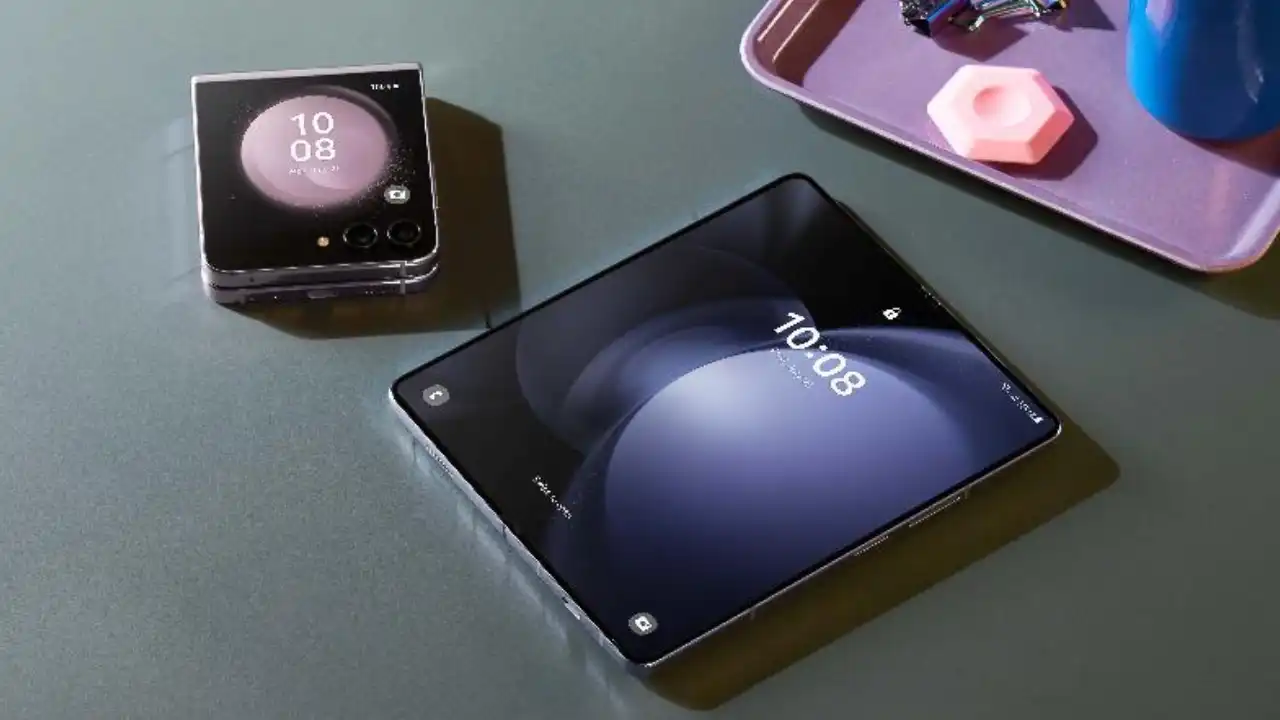
Samsung has started testing Android 16-based One UI 8 on the Galaxy Z Fold 5. This big result shows that the Korean tech giant is considering the 2023 foldable, which could also be included in the Open Beta program this year.
After Galaxy S and A series devices, Samsung’s Android 16 optimization for Galaxy devices is in full swing, with foldable models not being added to the testing zone.
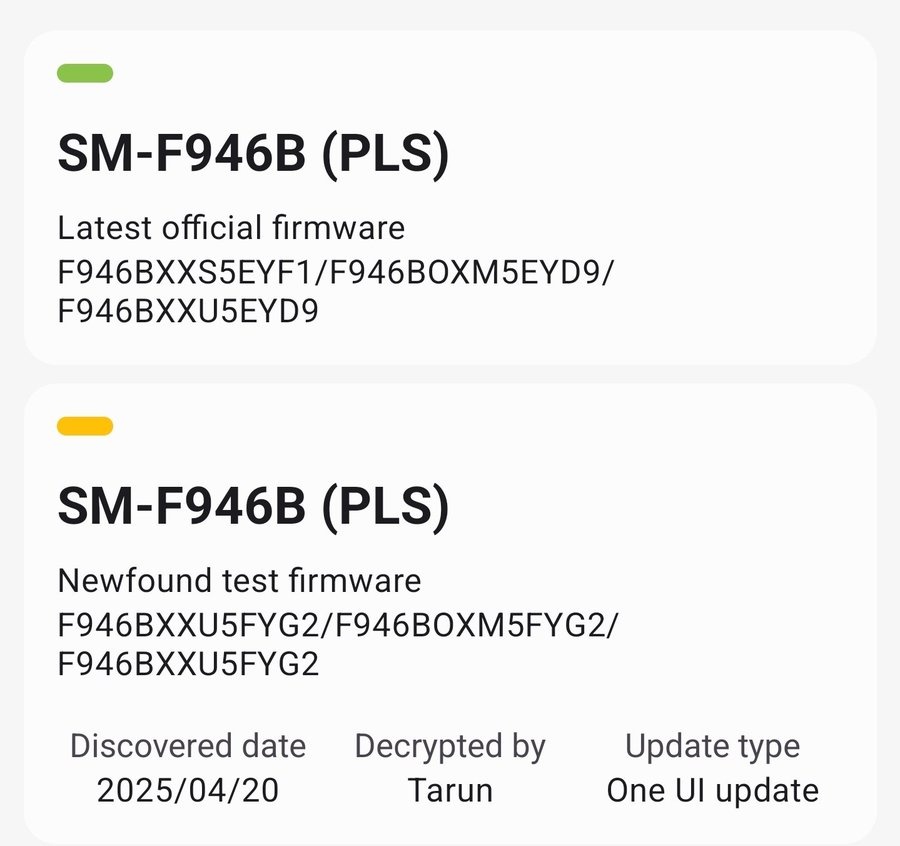
A reliable tipster, @Tarunvats has spotted a new One UI 8 build for the Galaxy Z Fold 5 on the testing platform. The testing build, F946BXXU5FYG2, hints that Samsung is actively working on One UI 8 for the Galaxy Z Fold 5.
Notably, last month, a carrier-locked variant (SM-F946U) of the Galaxy Z Fold 5 for the US was spotted on Geekbench running Samsung’s Android 16-based One UI 8.0.
The One UI 8 update will bring meaningful changes to the UI. The company is also working on redesigning apps and core functionality to further improve the appearance and foundation laid by the Android 15-based One UI 7 update.
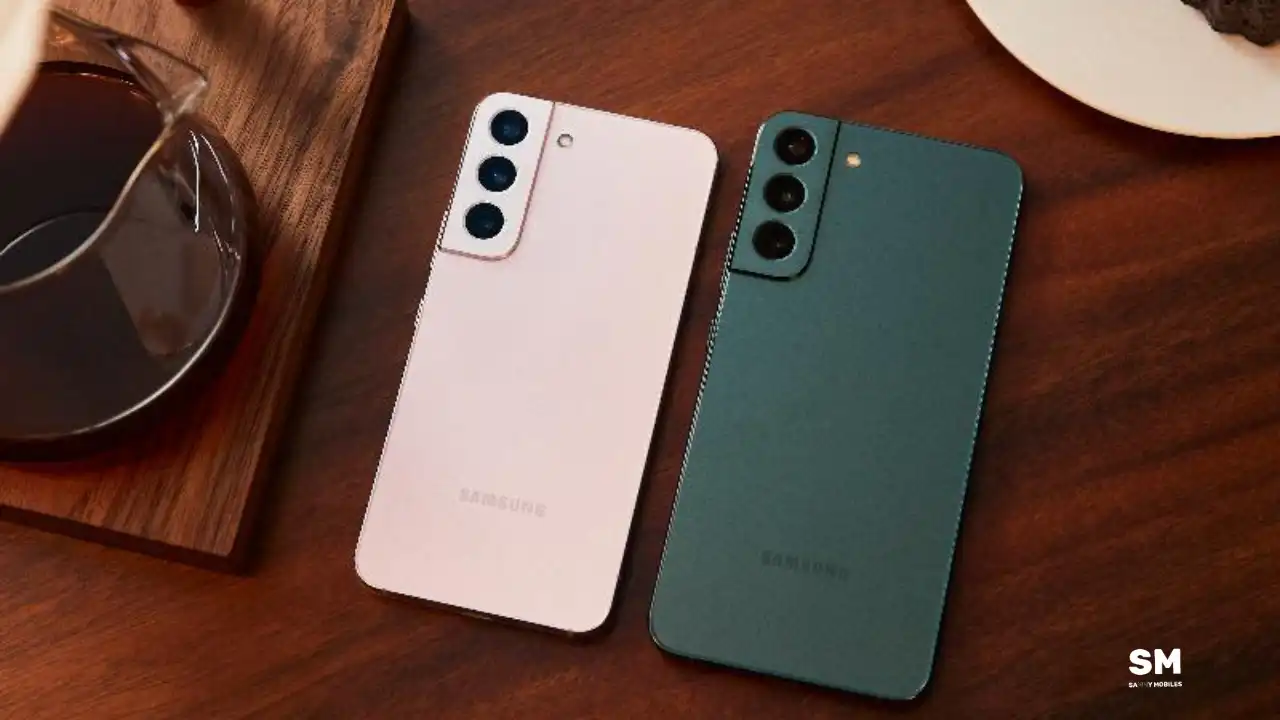
Samsung has confirmed that the One UI 8 rollout for Galaxy devices will begin in July 2025. Alongside the beta update for the Galaxy S25 series, Samsung is also internally testing the One UI 8 build for several Galaxy devices. New information suggests that the One UI 8 update for the Galaxy S22 series will be released soon after the stable rollout begins.
A reliable tipster has spotted a new One UI 8 build for the Galaxy S22 Ultra on the testing platform. The testing version, S908BXXUFGYG1, indicates that the Korean tech giant is actively working on next One UI for the Galaxy S22 series.
Additionally, some reports suggest that the Galaxy S22 series will not receive the One UI 8 beta update; instead, these devices will receive the stable update directly. The One UI 8 update for the Galaxy S22 series is expected to be released in October or November 2025.
Recently, Samsung confirmed the stable Android 16-based One UI 8 update rollout for older devices in July 2025. This update will first be available for the Galaxy S25 series, Galaxy Z Flip 6, and Galaxy Fold 6. Afterward, the company will roll out the update to more Galaxy devices.
Apart from that, there are notable changes in One UI 8, but they don’t make it a major upgrade, tagged along with the new Android version. The new update is still in the beta stage, and there are likely to be more tweaks and changes by the time the official update rollout begins.
Right now, Samsung’s One UI 8 beta program is only available to users of the Galaxy S25 series. Older Galaxy devices, including the Galaxy S22 series, are not part of the public beta. Instead, the company is testing One UI 8 internally on several older models.


Samsung has started testing One UI 8 (Android 16) on the Galaxy S24 FE. It’s the first time that the software server has listed the latest build for the device. An internal test build has been spotted, suggesting the Beta is unlikely for the Galaxy S24 FE.
Recently, an internal build of One UI 8 (Android 16) appeared on Samsung’s software server for the Galaxy S24 FE. This build carries the version number PDA S721BXXU6CYG1, where “C” indicates a major update coming soon.
Samsung has significantly delayed this year’s beta program. Galaxy S24 smartphone users still do not have access to the One UI 8 beta. The public release has been postponed to the third quarter of this year.
The One UI update is expected to roll out for your Galaxy S24 FE by September 2025. Samsung will unveil the final version alongside the Galaxy Z Fold 7 and Flip 7 in July 9. After that, eligible devices will start receiving the major firmware update.
The One UI 8 beta program is currently only available for the Galaxy S25 series, while older flagship and mid-range models are undergoing internal testing.
Galaxy S24 FE users are eagerly waiting for this update. After the official announcement at Galaxy Unpacked, Samsung is expected to roll out the stable version of One UI 8 for more devices, including S24 FE 5G, in the coming days or months.
Although there is no public beta planned for this device right now, internal testing progress suggests that they may get a stable update soon. Make sure your Galaxy device stays updated to be ready for the Android 16-based One UI 8 update.
-
 NEWS1 month ago
Join the One UI 8 Beta Program: Experience the latest One UI with Android 16
-

 NEWS5 months ago
About the Battery Health and performance of Galaxy S25
-
 NEWS5 months ago
Samsung Android 15 update: Which Galaxy devices will get One UI 7
-
 ANDROID3 months ago
Samsung Galaxy phones and tablets that should receive Android 16 and One UI 8 update
-

 NEWS6 months ago
Samsung Galaxy S25 series India price details leaked
-
 NEWS6 months ago
One UI 7 battery icon to show charge levels with dynamic colors
-
 NEWS6 months ago
Galaxy S25 to integrate Bixby and AI into camera app
-

 NEWS5 months ago
How to customize your Samsung One UI 7 app icons