
NEWS
One UI 7 helps blur wallpaper on Galaxy devices


Samsung‘s One UI 7 delivers an enhanced experience and performance as it arrives with a bundle of new features and enhancements. One of the hidden features of One UI 7 is the ability to blur a wallpaper before applying it.
With One UI 6.1, Samsung introduced Generative Wallpapers, an interactive platform for developing personalized wallpapers for home and lock screens. Galaxy users can select and set their favorite wallpaper and lock screen from various categories and prompts provided by Galaxy AI.
However, a dynamic wallpaper can interfere with app icons and make it difficult to see their titles. But Samsung has added a capability with One UI 7 that lets you blur the wallpaper before applying it.
One UI 7 How to apply blur wallpaper on Galaxy devices
- Open the Gallery app
- Select the photo that you want to apply to wallpaper
- Tap on the three-dot menu
- Click on the Set as wallpaper
- Select any option given here, for example, Lock and Home screens
- Here the some options: Original, Blur, and more
One UI 7 status
On the other hand, Galaxy users after the One UI 7 Beta 3 update are excited to know whether Samsung will release Beta 4 or a stable version next. However, the Samsung community moderator confirmed that the Beta Program is “still ongoing” and announcements will be shared via Members.
Looking at further progress, Samsung plans to start rolling out the stable One UI 7 update with the Galaxy S25 series. After that, the major update will be available for other Galaxy devices from February 2025. This update will bring many new features and improvements to further enhance the user experience.
Samsung Galaxy S25 series will be launched at Galaxy Unpacked 2025 in San Jose, US on January 22. Pre-ordered units are expected to start shipping to consumers on February 03.






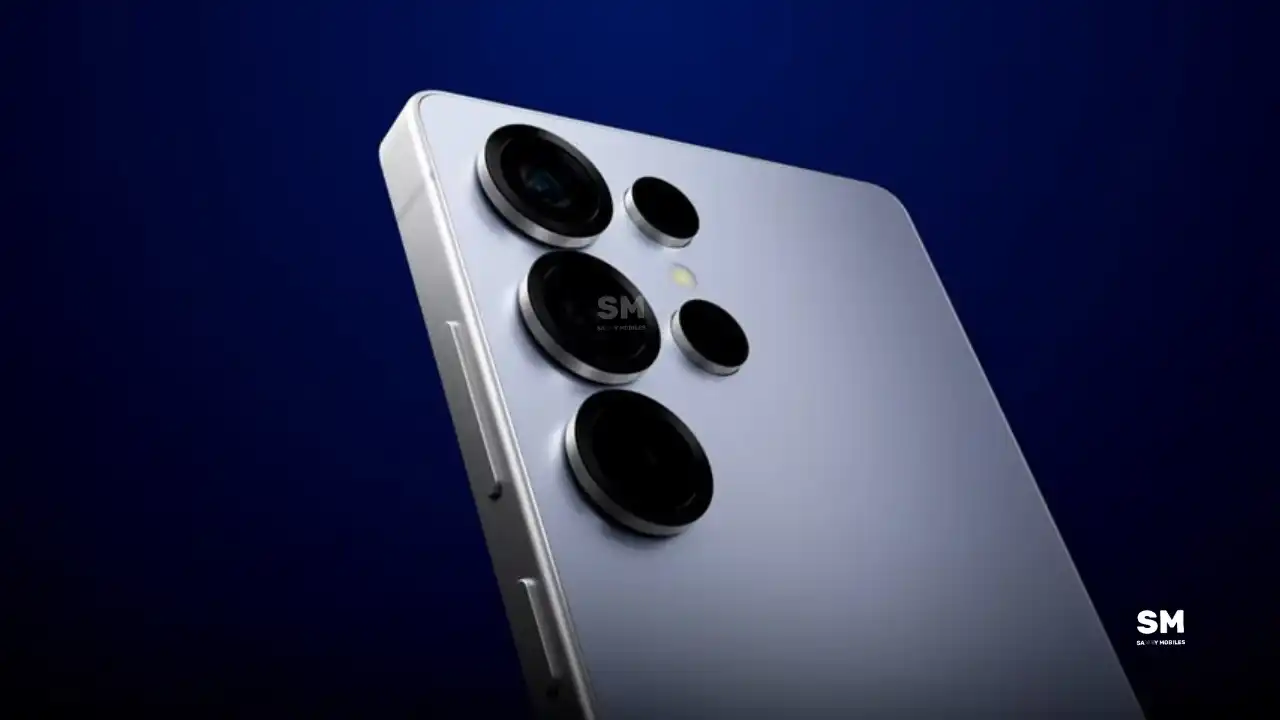
Samsung is reportedly planning major upgrades for its future Galaxy S27 series. Even though these flagship phones are still far from launch, new leaks have revealed that Samsung is working on the Galaxy S27 Pro alongside the Galaxy S27, Galaxy S27 Plus, and Galaxy S27 Ultra models.
Galaxy S27 Pro leaks
As per the GSMA database Documents, Samsung has three unannounced devices in the pipeline. The database has three model numbers: SM-S956U, SM-S957B/DS, and SM-S958U. According to this, the SM-S956U model number identifies it as the Galaxy S27+, while those for the SM-S957B/DS identify it as the Galaxy S27 Pro, and the SM-S958U lists it as the Galaxy S27 Ultra.
Additionally, the Pro variant phone is expected to resemble the Galaxy S27 Ultra in terms of specifications closely.
In terms of specifications, the Galaxy S27 Pro is expected to feature a more compact design, sporting a 6.5-inch Dynamic AMOLED 2x display. There is also talk that it will not include an S Pen.
As for the cameras, this phone could feature a 200MP primary rear camera, a 50MP ultra-wide camera with autofocus, and a 50MP telephoto camera with 3.5x optical zoom. Additionally, it includes a 12MP front camera for better selfies.
The Galaxy S27 Pro is expected to feature the Snapdragon 8 Elite Gen 6 Pro for Galaxy processor. Additionally, it may come with 12GB or more of RAM and 256GB or more of UFS 5.0 storage. The phone could house a 5,000mAh battery with 45W or faster charging.
Based on previous launch timelines, the Galaxy S27 series is expected to launch in the first quarter of 2027. Stay tuned for more facts.
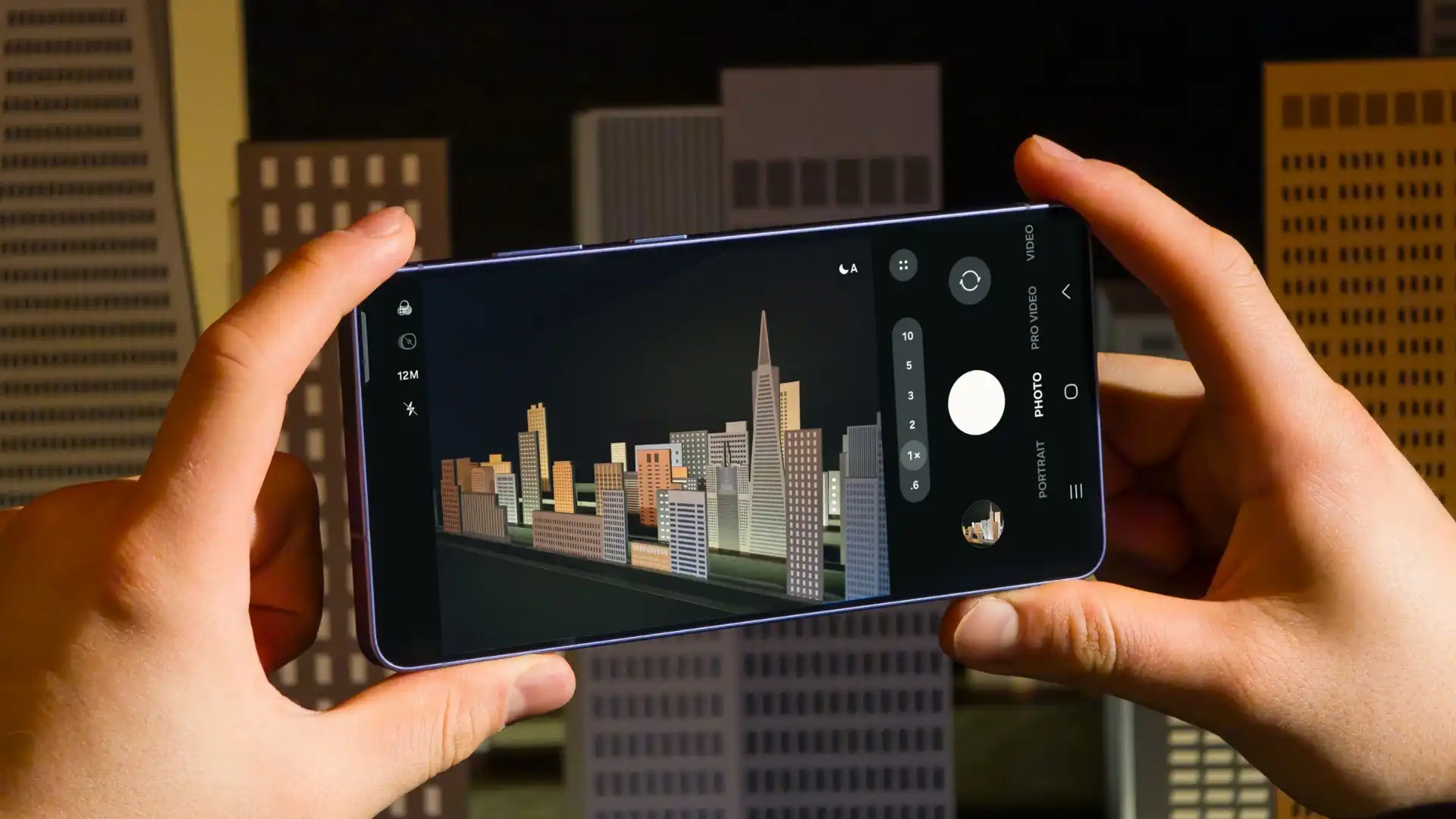
Samsung has reportedly commenced Android 17-based One UI 9 testing for the Galaxy S26 series. The first-ever Android 17 build has surfaced on Samsung’s firmware server, suggesting an early debut of the next One UI version.
An alleged Android 17 firmware has been listed on CheckFirm (via TarunVats) for the Galaxy S26 Ultra. That said, Samsung kicked off its work on the One UI 9 system for the latest flagship nearly two months earlier than usual.
Based on available information, Samsung is currently testing the BZC5 build on the Galaxy S26 Ultra. Samsung will take its time to refine this new operating system for Galaxy devices and will not rush the release of the firmware.
Although testing for One UI 9 has commenced early, this does not imply that it will become available to customers any sooner. Samsung will take the necessary time to optimize this new operating system for Galaxy devices and will not rush the firmware release.
On February 25, Samsung launched the Galaxy S26 series, and these phones will be available starting March 11. A day later, the company began rolling out Beta 6 for the Galaxy S25 series, but it seems this may not be the last beta before the stable version is released. Meanwhile, the Galaxy S25 series is still receiving updates through the One UI 8.5 beta program.
Samsung One UI 8.5 beta 7
A reliable tipster, @TarunVats, spotted a new One UI 8.5 beta build for the Galaxy S25 series on testing systems. The build ending in ZZC3 indicates that Samsung is preparing the seventh beta update for the S25 phones. It’s worth noting that this build began rolling out in March, but the patch level is still February 2026.
The new build suggests that the beta program is still active even after the Galaxy S26 series launched with One UI 8.5 features and improvements. Galaxy S25 Users may have to wait a little longer for the final stable update.
The latest One UI 8.5 Beta 6 update fixed many problems and improved the phone’s performance, including Bixby, Gallery, Now Bar, Now Brief, Display settings, Modes, and Routines.
At this time, Samsung hasn’t officially confirmed how many more beta updates will arrive or when the stable One UI 8.5 version will be released for the Galaxy S25 series and older phones. However, the new beta build is a strong indication that at least one more beta update is on the way. Galaxy S25 users who are part of the beta program should keep an eye out for new updates.
-

 NEWS2 years ago
About the Battery Health and performance of Galaxy S25
-
 NEWS2 years ago
Samsung Android 15 update: Which Galaxy devices will get One UI 7
-
 NEWS1 year ago
Join the One UI 8 Beta Program: Experience the latest One UI with Android 16
-
 NEWS2 years ago
More evidence suggests the Galaxy S25 Ultra may eventually adopt this Pixel security feature
-
 ANDROID1 year ago
Samsung Galaxy phones and tablets that should receive Android 16 and One UI 8 update
-

 NEWS2 years ago
Samsung Galaxy S25 Ultra battery and Charging test: Upgrade results
-
 NEWS2 years ago
Galaxy S25 to integrate Bixby and AI into camera app
-
 NEWS2 years ago
One UI 7 battery icon to show charge levels with dynamic colors