
ONE UI
One UI 7 will fix issues with Good Lock Home Up


New information about the Good Lock Home Up module from One UI 7, the massive firmware update that’s coming to Galaxy devices in 2025. This follows leaks of several of the Good Lock modules from One UI 7 in the last few weeks.
One UI 7 will improve Good Lock Home Up
Yesterday, the Good Lock moderator on Samsung’s official Community forum stated that we are set to improve the Good Lock’s Folder icon arrangement when turning the Home Up feature off and on with the upcoming One UI 7 update.
Home Up is a popular Good Lock module that allows you to customize your home screen as it offers several options and with One UI 7, the Samsung will enhance the Good Lock’s Folder icon arrangement.
However, Galaxy A35 smartphone users have raised concerns about when I turn Good Lock Home up and off, the folder settings often reset.
In response, a Samsung community moderator confirmed that the folder icon arrangement reset issue has indeed been identified. Also, the company has acknowledged the issue and plans to fix it in the One UI 7 update.
One UI 7 Developments
Based on the Android 15, the One UI 7 update is expected to be available around mid-December. This update will bring lots of new features, including improved User interface design from the app icon to the lock screen, performance upgrades, and new customization options.
As the company continues to develop the One UI 7 update for several Galaxy devices. Notable, the firm is going to introduce a stable update next year with the Samsung Galaxy S25 series.
Once the update is released, the company will start the One UI 7 stable rollout for older Galaxy devices from the Galaxy S24 series to the latest foldable smartphone and mid-range and budget phones.






Samsung has started rolling out the January 2026 security update for more of its budget and mid-range phones. Now, two more devices, Samsung Galaxy M53 and Galaxy A06 4G, have joined the January 2026 security update.
The Galaxy M53 is getting the January 2026 security update in Korea with the firmware version M536SKSSCGYL1. The Galaxy A06 4G is receiving it in Thailand, Malaysia, and Vietnam with version A065FXXS9CZA1.
Samsung’s January 2026 security patch includes up to 55 security fixes provided by Samsung, Google, and other partners. These fixes help protect the Galaxy phone from bugs, security risks, and any issues that might affect user privacy or performance.
However, the new update does not bring any new features or design changes. Instead, it focuses on improving stability and security.
If you have one of these devices, you can manually check for updates. Simply go to Settings > Software Update > Download and install. If an update is available, your phone will begin downloading it. Once the download is complete, tap Install now.

The Samsung Galaxy S25, Galaxy S25 Plus, and Galaxy S25 Ultra are receiving the One UI 8.5 Beta 2 update in Korea. This update brings important fixes for camera functionality. The Galaxy S25 lineup received this update about half a month after the One UI 8.5 beta program officially began on December 8th.
One UI 8.5 Beta 2 update for the Samsung Galaxy S25 series in Korea can be identified via the build version ending with ZYLH. Users will have to download around a 1.1GB package to install the update.
Android 16-based One UI 8.5 Beta 2 brings multiple fixes to the Galaxy S25 series. The update also has the December 2025 security patch, making the device run the latest patch. As always, the software is currently available in South Korea, with expansion to three more countries expected soon.
Here’s the full changelog for the update:
- Improved the issue of quick panel settings initializing intermittently when booting.
- Improved errors such as quick panel menu screen icon spacing and location.
- Improved the issue of photos organized into gallery group folders being moved to the first album page.
- Improved the stuttering issue when pressing the “More View” menu during a call.
- Improved the intermittent rebooting issue.
- Improved the issue where the volume up button does not work under certain conditions.
- Improved the issue of sound generation in the device when making a call with a Bluetooth car kit connection under certain conditions.
- Improved issues where multiple third-party apps are forcibly terminated while in use.
- Stabilized software through multiple app updates, such as the camera.
Galaxy S25 users can sign up for the beta program with the Beta 2 release. This can be done through the Samsung Members app and by filling out the enrollment form. Users who are already on Beta 1 can update their software to switch to the second beta by opening Settings >> Software Update >> Download and install.

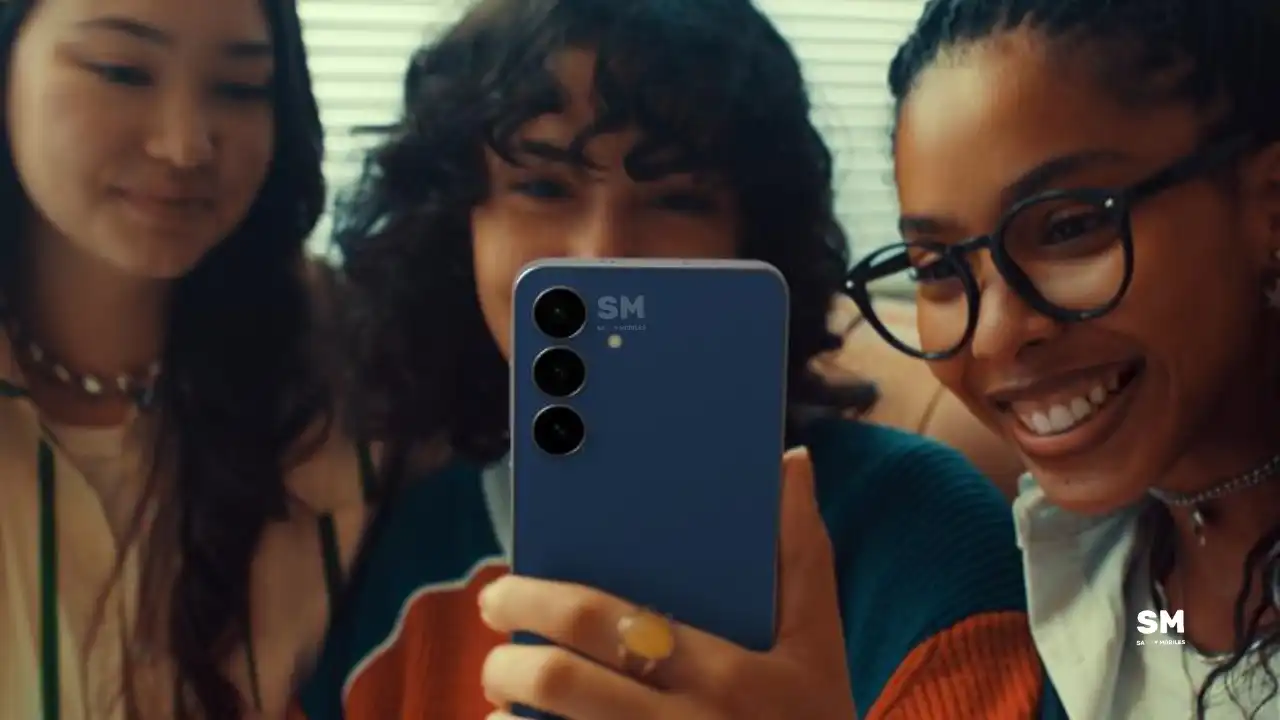
After releasing the One UI 8.5 beta program for the Galaxy S25 series today, the Samsung Galaxy S25 FE smartphone has now been added to the One UI 8.5 internal testing device group. Along with the One UI 8.5 beta program, the Korean tech giant is also working on preparing this major update for other Galaxy devices.
One UI 8.5 Beta introduces numerous new features, enhanced Galaxy AI tools, an improved user interface, and improved productivity, privacy, and performance across the Galaxy ecosystem. As you receive the Beta build, you may encounter bugs and battery-draining issues.
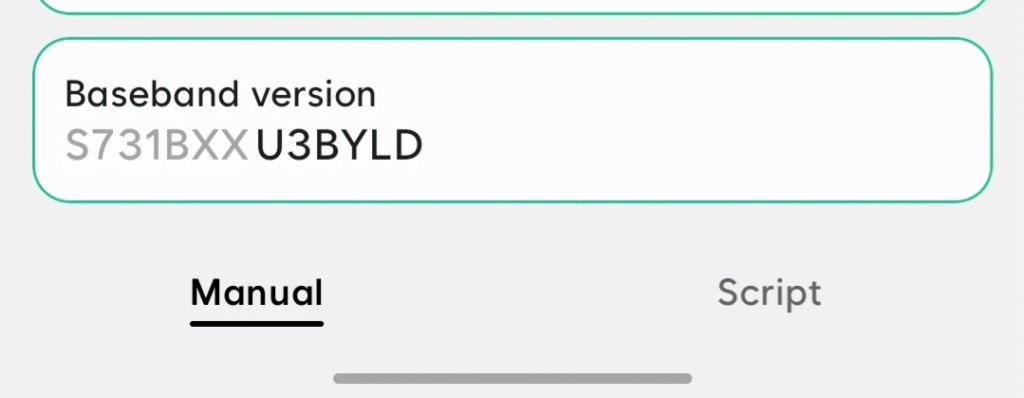
Tarun Vats has spotted a new One UI 8.5 testing firmware version, S731BXXU3BYLD, for the Samsung Galaxy S25 FE. The Galaxy S25 FE launched with One UI 8.0 pre-installed, and the One UI 8.5 update will be the minor One UI upgrade.
The One UI 8.5 beta update is currently available in only a few countries for the Samsung Galaxy S25, Galaxy S25 Plus, and Galaxy S25 Ultra. This lets users try out new features before the stable release. A new testing build suggests that Samsung Galaxy S25 FE users will receive this major update directly when the stable version is released.
In addition, Samsung has also confirmed that it will launch the Galaxy S26 series next year with the One UI 8.5 update Pre-installed. This means that Galaxy S25 FE users will receive this major update sometime afterward.
-

 NEWS2 years ago
About the Battery Health and performance of Galaxy S25
-
 NEWS2 years ago
Samsung Android 15 update: Which Galaxy devices will get One UI 7
-
 NEWS1 year ago
Join the One UI 8 Beta Program: Experience the latest One UI with Android 16
-
 NEWS2 years ago
More evidence suggests the Galaxy S25 Ultra may eventually adopt this Pixel security feature
-
 ANDROID1 year ago
Samsung Galaxy phones and tablets that should receive Android 16 and One UI 8 update
-

 NEWS2 years ago
Samsung Galaxy S25 Ultra battery and Charging test: Upgrade results
-
 NEWS2 years ago
Galaxy S25 to integrate Bixby and AI into camera app
-
 NEWS2 years ago
One UI 7 battery icon to show charge levels with dynamic colors