
UPDATES
Samsung Galaxy A56, Galaxy A15 5G, and Galaxy A04 gets July 2025 update

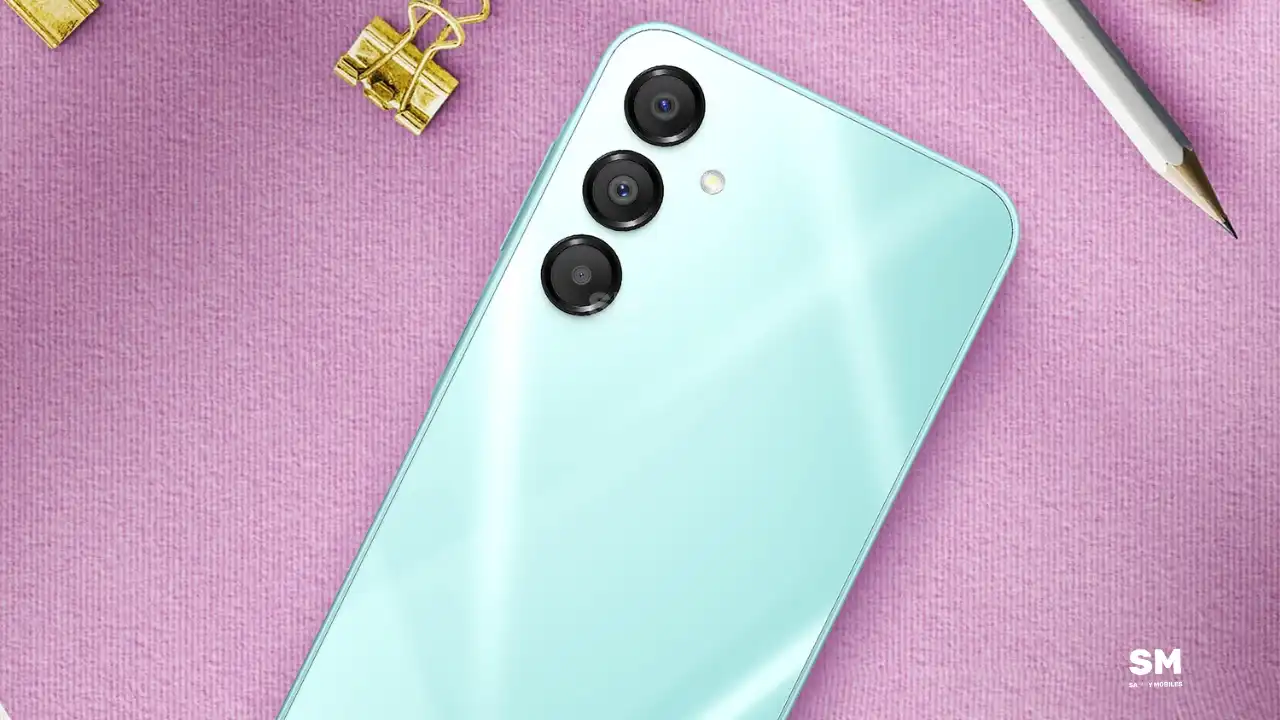
Samsung Galaxy A56, Galaxy A15 5G, and Galaxy A04 smartphone users are getting the July 2025 update. After some top-end models, the company has started speeding up the distribution of the new firmware to more handsets in the some market.
The July 2025 update is available for the Galaxy A56, Galaxy A15 5G, and Galaxy A04 handsets. The One UI firmware ensures to eliminate anonymous issues from your Galaxy device system and increase the phone’s potential to fight against malware.
Looking into the changelog, the Samsung Galaxy A56, Galaxy A15 5G, and Galaxy A04 get the July 2025 patch with One UI version A566BXXS5AYFB, A155MUBS7CYF1, and A045FXXSBEYF5.
The update features the latest security patch released in July 2025. It looks after the hidden bugs in the Galaxy device and reduces the chances of troubling issues. As a result, users get a bug-free experience and seamless performance.
You can check for new software updates by going to:
Settings
Software Update
Download and Install






Samsung has released the February 2026 security update for four more Galaxy devices – the Galaxy Z Flip 7, Galaxy Z Flip 7 FE, Galaxy Z Fold 6, and Galaxy Z Flip 6. This update keeps your phone secure and running smoothly instead of adding new features or changing its look.
As always, this update improves the phone’s security and makes the system run more smoothly. This update fixes issues with the previous software version and helps make the device more stable. Samsung says this update is important because it protects users from security risks and keeps personal data safe.
Galaxy Z Flip 7 February 2026 update
Users of these devices can verify the latest update via the One UI build versions given below.
- Galaxy Z Flip 7: F766NKSS8AZB2
- Galaxy Z Flip 7 FE: F761NKSS8AZB2
- Galaxy Z Fold 6: F956NKSS3CZB2
- Galaxy Z Flip 6: F741NKSS3CZB2
.
Samsung usually rolls out updates gradually, so users in other markets should also receive the same update in a week or two.
To manually download the update, go to Settings >> Software Update >> Download and Install. Once the download is complete, tap Restart/Install Now to complete the installation. Make sure your phone is connected to a stable Wi-Fi network and has enough battery.
In addition to the security update, Samsung is also working on One UI 8.5. The beta version is currently available for the Galaxy S25 series in some regions, and Samsung has confirmed that the stable version will launch with the Galaxy S26 series tomorrow. Stay tuned for more details.

Samsung’s latest Fan Edition tablets, the Galaxy Tab S10 FE and the Galaxy Tab S10 FE+, are happy as they receive the latest January 2026 security update. Notably, the firmware contains the newest safety improvements that will improve the tablet’s current health for a reliable experience.
According to the inputs, the Galaxy Tab S10 FE series tablet with model numbers SM-X520, SM-X526N, SM-X620, and SM-X626N is receiving the latest patch via the One UI versions X520XXS6BZA3, X526NKOS6BZA4, X620XXS6BZA3, and X626NKOS6BZA3, and a software package of 500MB. Though the firmware doesn’t weigh much, we suggest using a stable Wi-Fi connection for installation.
This update doesn’t add any significant new features to the device, aside from the January 2026 security patch. However, you can expect some underlying performance optimizations and fixes for glitches that could have negatively impacted the user experience.
It’s important to note that this update will not harm your personal data. However, it’s always a good idea to back up your data beforehand. Also, the update package will be automatically deleted after the installation is complete.
Samsung’s January 2026 security patch addresses 55 security vulnerabilities. Google helped fix one critical vulnerability and 20 high-risk issues found in Android. Samsung also added 30 additional security fixes specifically for Galaxy phones. These fixes address both critical and medium-level risks.
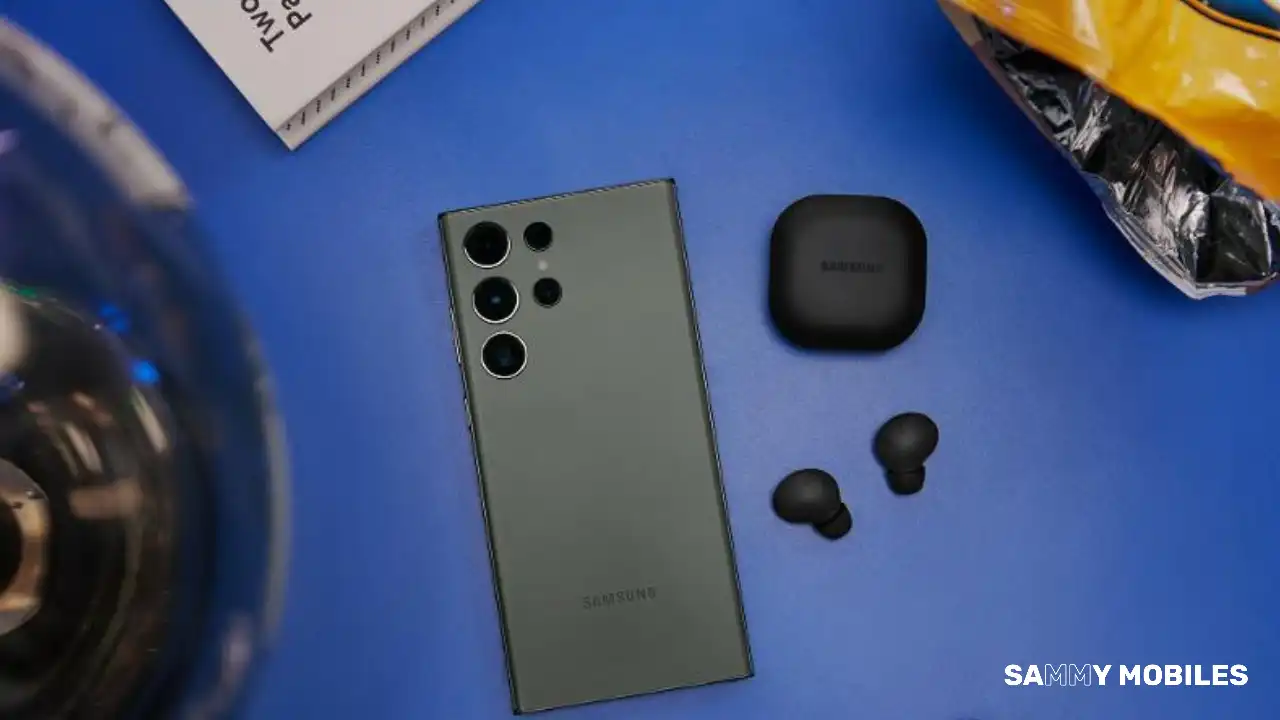
Samsung has released the January 2026 security update for the Galaxy S22 series and the Galaxy S23 FE smartphone. The users who are running their Galaxy devices in South Korea can access the updated security patch. It proves to be a stable fast-boot update, where the users might require a connection to a device for installing the patch.
In our previous article, we mentioned that Samsung may soon roll out the One UI 8.5 Beta 4 update for the Galaxy S25 series. Meanwhile, it is now well-prepared to sail on the One UI 8.5 interface rooted on Android 16 OS.
Let us see how soon the Galaxy users will get the chance to meet the company’s latest interface. As for now, the January 2026 security update for the Galaxy S22 series and the Galaxy S23 FE is accompanying the One UI 8 (Android 16) system surface.
The users in Korea are receiving the security patch with the following versions. This update carries a package size of 500MB.
- Galaxy S22 – S901NKSU7GYI7
- Galaxy S22 Plus – S906NKSU7GYI7
- Galaxy S22 Ultra – S908NKSU7GYI7
- Galaxy S23 FE – S711NKSSCDZA3
The changelog doesn’t mention any specific impact on the device. It only mentions the updated security patch, which provides more stable core management for the smartphone.
To update your Galaxy device with the latest security update, follow the steps given below:
- Go to the Phone Menu
- Open the Settings icon
- Select the Software update option
Here, you have to wait for a couple of minutes so that the device can search for the available updates. As soon as the search gets complete, click on the Download & Install option.
-

 NEWS1 year ago
About the Battery Health and performance of Galaxy S25
-
 NEWS1 year ago
Samsung Android 15 update: Which Galaxy devices will get One UI 7
-
 NEWS9 months ago
Join the One UI 8 Beta Program: Experience the latest One UI with Android 16
-
 NEWS1 year ago
More evidence suggests the Galaxy S25 Ultra may eventually adopt this Pixel security feature
-

 NEWS1 year ago
Samsung Galaxy S25 Ultra battery and Charging test: Upgrade results
-
 ANDROID11 months ago
Samsung Galaxy phones and tablets that should receive Android 16 and One UI 8 update
-
 NEWS1 year ago
Galaxy S25 to integrate Bixby and AI into camera app
-
 NEWS1 year ago
One UI 7 battery icon to show charge levels with dynamic colors