
ONE UI 8
Samsung One UI 8 beta update: Here’s when it will release for the Galaxy S24 and S23 series


Good news for Samsung users. The company is expected to roll out its latest One UI 8 beta update, powered by Android 16, to more Galaxy devices worldwide in the upcoming months. Between June and July, Samsung is expected to release the One UI 8 update for several popular models, including the Galaxy S23 series and Galaxy S24 series.
Samsung is all set to release the stable One UI 8 software update alongside the upcoming Galaxy foldable in July this year. This is a substantial change for Samsung, which has released a major update much earlier than fans expected.
Furthermore, Samsung Galaxy S25 series users are presently enjoying the One UI 8 features through the beta program ahead of the official update.
Tipster @tarunvats claims that Samsung may start the One UI 8 beta rollout for the Galaxy S24 and Galaxy S23 series in the coming months. According to the tipster, Galaxy S24 series users may get this One UI 8 beta update in late June or early July 2025. Apart from this, the Galaxy S23 series may get the update in early to mid-July 2025.
One UI 8 is a significant step up from the foundation laid by One UI 7 firmware. The major redesign of One UI 7 is being previewed in the Android 16 version. Plus, Samsung’s focus is on simplifying the overall user experience by making changes to the OS.
Samsung officially launched the One UI 8 beta program on May 28, 2025, starting with the Galaxy S25, Galaxy S25+, and Galaxy S25 Ultra in Germany, Korea, the United Kingdom, and the United States.
Samsung’s One UI 8 software is built on the Android 16 operating system, bringing significant AI upgrades, functional improvements, smooth animations, and a wide range of feature optimizations to streamline the experience.




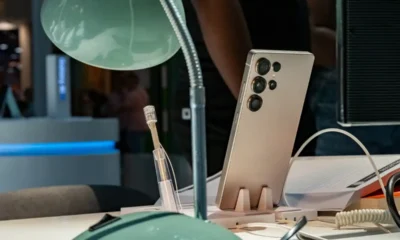


Samsung has begun rolling out the One UI 8 Watch update for the Galaxy Watch 4, Galaxy Watch 4 Classic, and Galaxy Watch 5 LTE. The One UI 8 Watch update is based on the Wear OS 6.
Note that the stable One UI 8 Watch update is currently available only to Galaxy Watch 4 users in South Korea. The company has not yet provided a timeline for when this update will be available in the global market.
However, the Galaxy Watch 5 LTE is already receiving the One UI 8 Watch update in India. Given the pace of the One UI 8 update rollout, it shouldn’t be long before it becomes widely available.
Galaxy Watch 4, Watch 4 Classic, and Galaxy Watch 5 LTE users can identify the latest software via the PDA build version ending with JYK4 and DYK4, respectively. The firmware also carries the October 2025 security patch. The stable update unlocks even better performance, power efficiency, and stability.
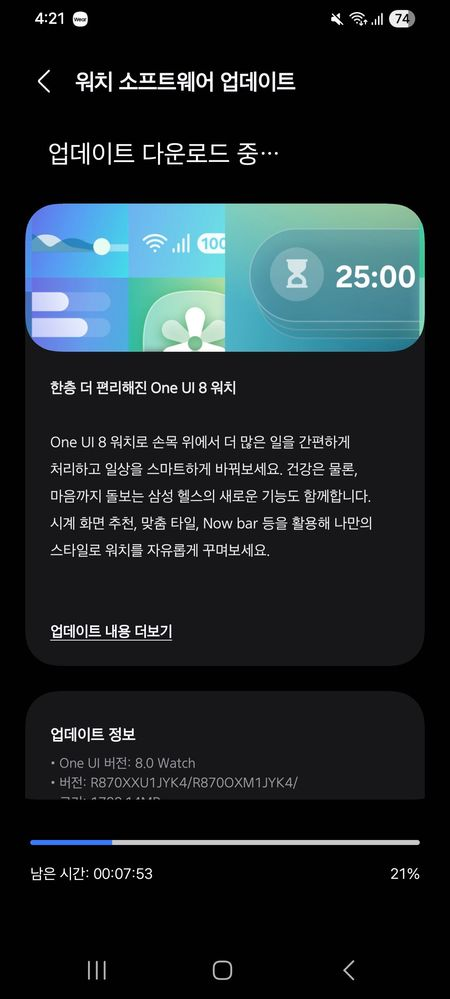
One UI 8 Watch brings a completely new tile system that improves accessibility. This update also optimizes overall performance and battery efficiency with app updates. You can look forward to a whole new world of smartwatch ventures.
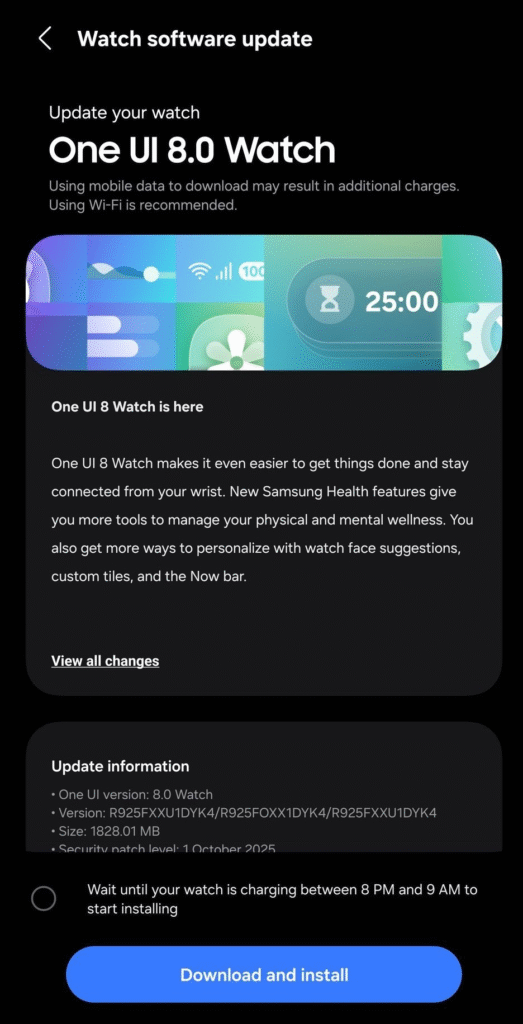
To download the update, check for software updates. Your watch may already have an OTA update pending for your approval. Press the download and install button.
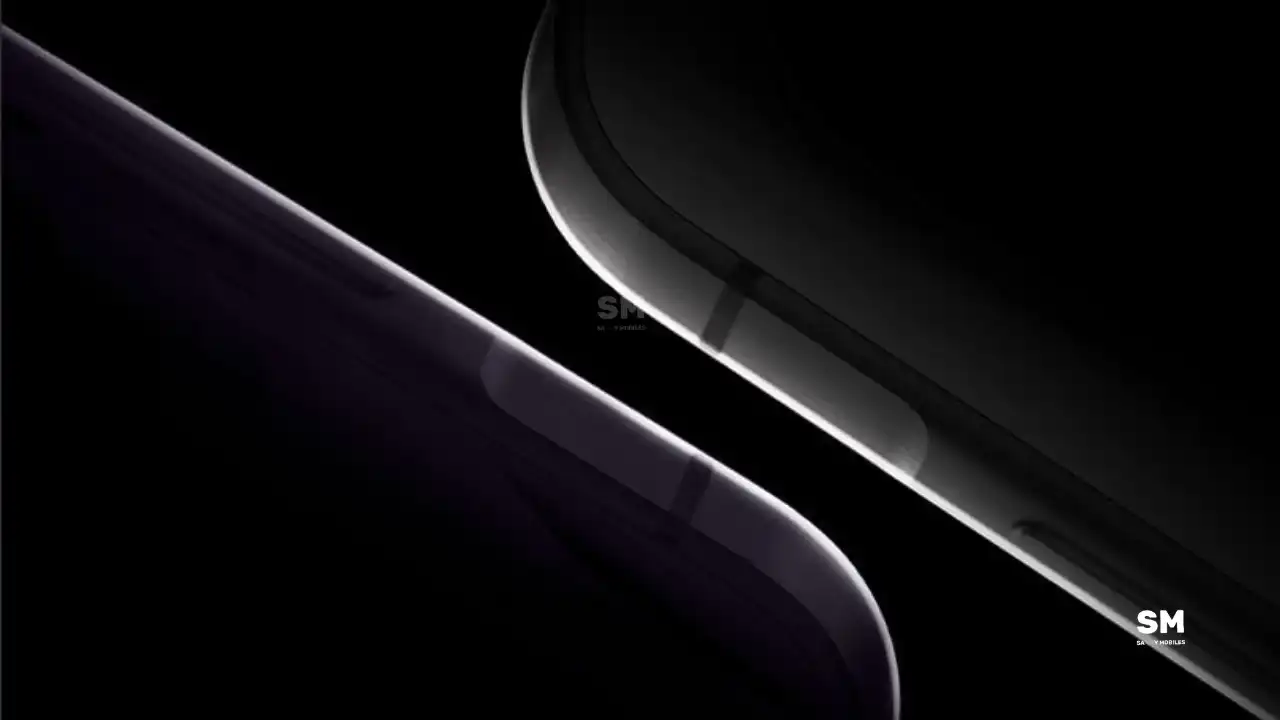
Samsung’s Galaxy A57 and Galaxy A37 smartphones are expected to launch in March 2026. Ahead of the launch, we’re getting a sneak peek at Galaxy A57 and Galaxy A37 performance with One UI 8.5 and Android 16.
Both the upcoming Galaxy A57 and Galaxy A37 smartphones recently appeared on Geekbench, giving us some interesting insights into how they will perform with the new Android 16 and One UI 8.5. Interestingly, builds of both smartphones are already in testing for the upcoming software.
As per the Geekbench listing, the Galaxy A57 has scored impressively high in the tests, with a single-core score of 1,311 and a multi-core score of 4,347. These digits suggest that the A57 will offer a smooth and fast experience.
Moreover, the Galaxy A37 still performs well. It scored 1158 in single-core and 3401 in multi-core tests, and the software build was A376BXXU0AYK3. While these scores are a bit lower than the A57, the Galaxy A37 smartphone is still good enough to promise a fast and smooth experience for everyday tasks.
The test results show that Samsung is working hard to make One UI 8.5 faster and more efficient. Both smartphones will come pre-installed with the Android 16 -based One UI 8.5 to offer amazing performance and the latest features. Stay tuned for more information.
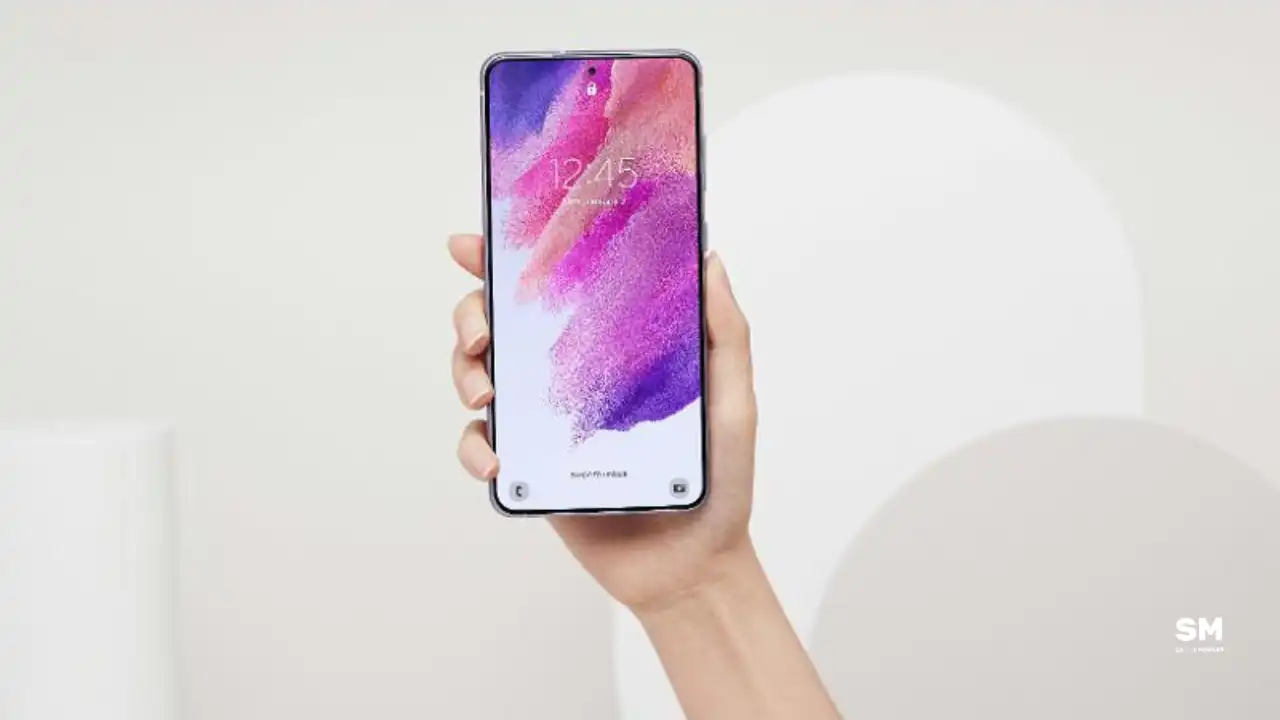
Samsung is expanding, rolling out the Android 16-based One UI 8 update for the Galaxy S21 FE smartphone. The update is currently live for users in Europe and India and will soon expand to more countries.
The new major software update brings many exciting features and improvements to make your phone better and easier to use. It also includes the September 2025 security patch to improve system security and stability.
One UI 8 update for the Samsung Galaxy S21 FE comes with the build version G990B2XXUFIYJ1 in Europe and India. Users will have to download around 2.3GB package to install the update.
With One UI 7, the Galaxy S21 FE gets a fresh and modern UI. A key feature of this update is the Now bar, which provides quick access to essential tools and apps. Galaxy users will also enjoy redesigned icons, a vertical app drawer, larger home screen folders, and improved widget customization.
To check for the update, users can go to Settings >> Software Update >> Download and install on their device. Once downloaded, tapping “Install Now” will begin the installation and restart the Galaxy phone upon completion. Now, users can enjoy several new features.
-

 NEWS2 years ago
About the Battery Health and performance of Galaxy S25
-
 NEWS2 years ago
Samsung Android 15 update: Which Galaxy devices will get One UI 7
-
 NEWS1 year ago
Join the One UI 8 Beta Program: Experience the latest One UI with Android 16
-
 NEWS2 years ago
More evidence suggests the Galaxy S25 Ultra may eventually adopt this Pixel security feature
-
 ANDROID2 years ago
Samsung Galaxy phones and tablets that should receive Android 16 and One UI 8 update
-

 NEWS2 years ago
Samsung Galaxy S25 Ultra battery and Charging test: Upgrade results
-
 NEWS2 years ago
Galaxy S25 to integrate Bixby and AI into camera app
-
 NEWS2 years ago
One UI 7 battery icon to show charge levels with dynamic colors