
NEWS
Samsung Galaxy S25 Ultra iconic S Pen will reportedly lose some features


The Samsung Galaxy S25 Ultra is about to launch and a new leak suggests that the smartphone might be missing some features of the iconic S Pen. However, the company is packing the new device with powerful upgrades that will deliver better performance than its standard sibling.
According to a well-known tipster @ashanagarwal24, the Galaxy S25 Ultra S Pen no longer features Bluetooth connectivity citing retail sources. This means that the Galaxy S25 Ultra with the S Pen will not be able to use Air Command and Air Actions, as well as capture photos and screenshots with air gestures.
S Pen features you can do on Galaxy S25 Ultra
However, at the moment, the next Galaxy S series flagship “Ultra” model will come equipped with its S Pen, meaning you can write and draw as you please, as well as get new functions like text cleanup and auto-formatting. If you’re in the mood to draw, you can create your own artwork on the S25 Ultra’s screen when it’s off, or join drawing challenges with PENUP.
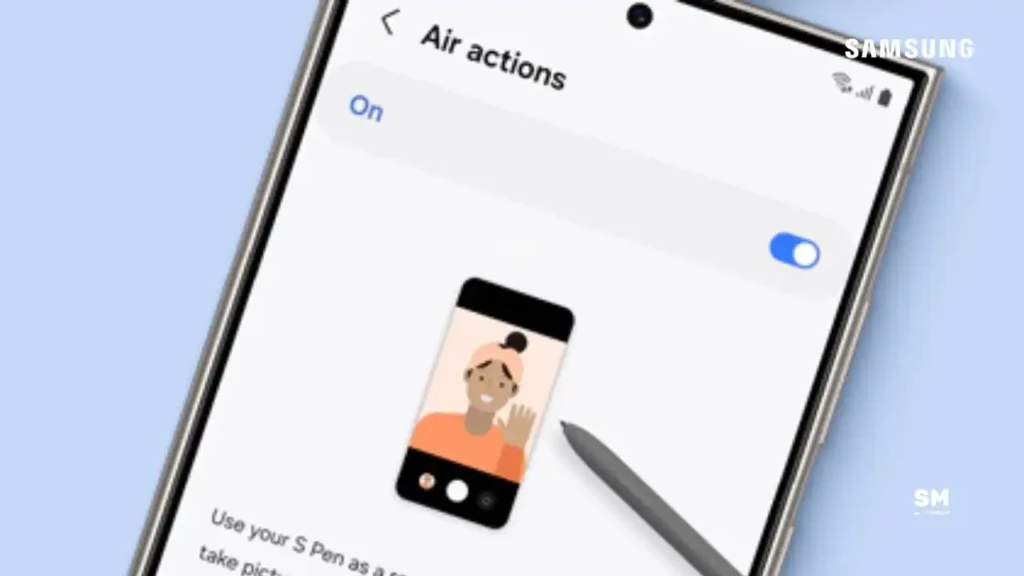
Another possibility is that the Galaxy S25 Ultra’s S Pen could adopt a different wireless technology, such as UWB, and retain the Air Actions and remote camera clicker functionality. As a result, this would be an upgrade, as UWB would allow other interesting features to be implemented like accurate S Pen location tracking in SmartThings Find.
On the other hand, the US variant of the Galaxy S25 Ultra spotted on Geekbench 6.3 scored 3182 in single-core and 10120 in multi-core performance tests. Meanwhile, leaker IceUniverse highlighted that the S25 Ultra has a good decentralized system.
The Samsung Galaxy S25 Ultra will likely feature some significant upgrades. The company has already revealed the flagship via an official Galaxy Unpacked teaser. It is also open for reservations till January 22. Flagship enthusiasts can check out the Samsung website page to pre-book the new device.
More on Galaxy S25 Ultra


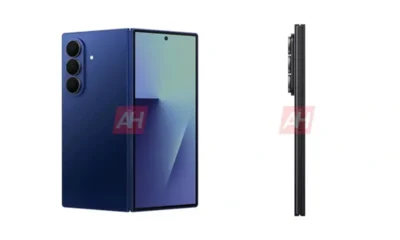


Samsung recently released the One UI 8 Beta 3 update for the Galaxy S25 series. Interesting, a useful feature, “Back Swipe Preview”, has reportedly been brought back with the One UI 8 Beta 3.
However, the “Back Swipe Preview” gesture was temporarily removed in One UI 8 Beta 2; however, it has been brought back with necessary improvements in the Beta 3 update released today.
Samsung’s new Back Swipe Preview allows you to swipe from the edge of the screen, with the One UI version showing you a preview of the previous screen before you complete the gesture.
Furthermore, you swipe from the left or right edge, and the current window shifts to reveal the previous screen in the background. This makes navigation seamless, especially for multitasking.
Currently, Galaxy S25 users running One UI 8 beta 3 can use this Back swipe preview gesture. To enable it, go to Settings > Advanced Features > Labs and turn it on.
Samsung has started rolling out One UI 8 Beta 3 for the Galaxy S25 series starting today. This latest release brings some improvements to the Now Brief, most notably some AI tricks.

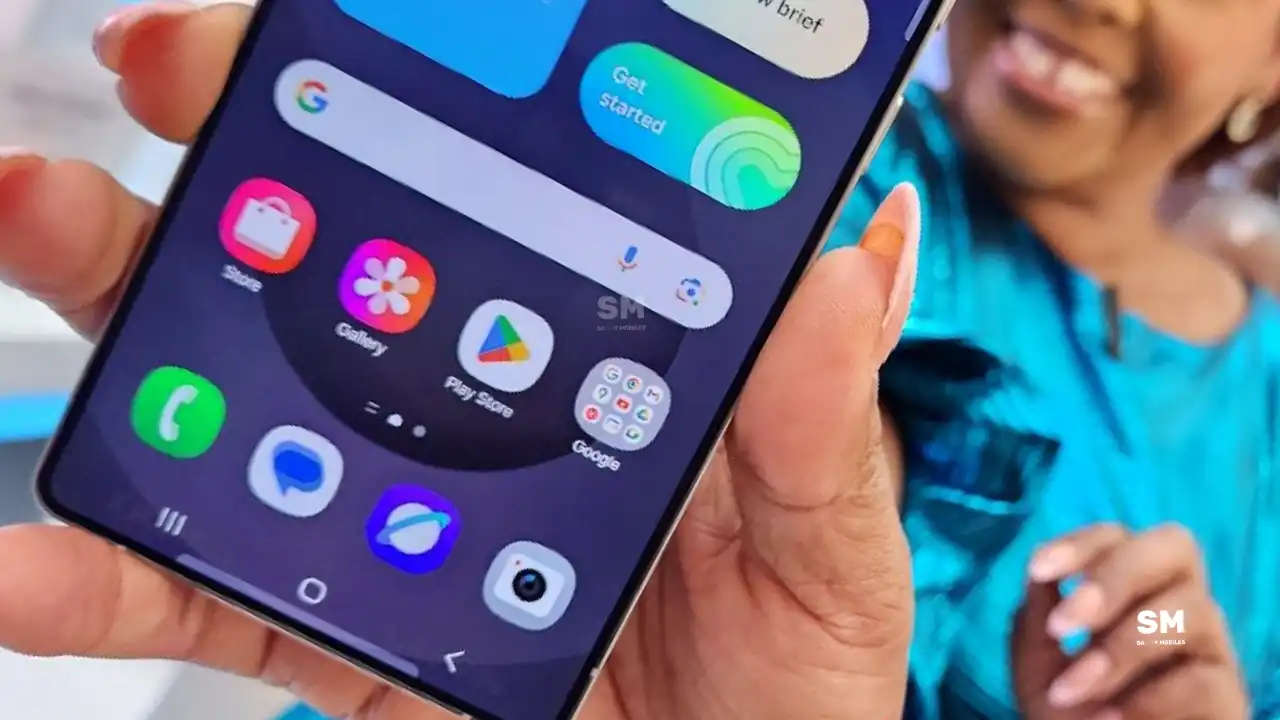
Samsung has finally begun releasing an Android 16-based One UI 8 Beta 3 update for Galaxy S25, Galaxy S25 Plus, and Galaxy S25 Ultra users. This update is currently live for users in Germany, India (as Beta 2), South Korea, the UK, and the company will expand it to more eligible countries soon.
Samsung Galaxy S25 series users can verify the One UI 8 Beta 3 update via the One UI Build version ending in ZYFA, and the update is a package weighing over 1GB.
This new beta update brings several bug fixes and improvements to provide a better Galaxy experience. Apart from this, this update also installs the latest security patch released in June 2025 to improve system security and stability.
The One UI 8 beta 3 update addresses the overlap issue between the recent apps status bar and the running apps menu in a specific situation of Navistar. It also fixes the issue in which keyboard input only occurs on reboot at the Security Folder PIN input screen.
In the S Pen, the updated fixed text input (S Pen to text) error. Additionally, it has fixed the issue that caused the loading time to increase intermittently when entering the Mode / Routine menu
- Fixed the overlap issue between the status bar of the Recents app and the running app menu in specific status of NaviStar
- Fixed the issue that the keyboard input occur only when reboots on the Security folder PIN input screen
- Improved the issue that intermittently lengthen loading time when entering Mode / Routine menu
- Fixed text input (swipe to type) error using gesture on keyboard screen
- Fixed text input (S Pen to text) error with S Pen
- Added back screen preview to Laboratory
- SW stabilization through updates to many apps
- Many other improvements
You can install this beta update via Settings >> Software update >> Download and install. If you are testing the One UI 8 beta, install this new beta now.
July 2025 is near, and Samsung is regularly working to release One UI 8 Beta 3 for the Galaxy S25 series. Meanwhile, Samsung is also testing One UI 8 for other Galaxy devices, including the Galaxy A55. Recently, new information has surfaced showing that Samsung is moving forward with testing One UI 8 for another Galaxy A series phone.
According to the tipster, the Samsung Galaxy A55 with SM-A556E and Android 16-based One UI 8 has scored impressively on the benchmark, with a single-core score of 1150 and a multi-core score of 3417. These scores suggest the A55 will offer amazing performance to handle everyday tasks and multitask easily.
These builds suggest that Samsung is actively working on bringing One UI 8 to this model.
One UI 8 update will mark the start of a new software upgrade cycle for Samsung’s mid-range Galaxy A55 smartphone. Notably, the Korean tech giant promises to provide four major Android updates to the Galaxy A55, so users can expect the phone to stay up-to-date with the latest features for several years.
Samsung is already testing this software on several devices. Earlier, the Galaxy A56 was spotted on Samsung’s servers with One UI 8, and now the A55 is joining the online benchmark Geekbench. This shows that the company is regularly working on the development of the next version of the One UI skin.
It’s possible that some Galaxy A55 users could get to try Android 16 early through a beta program, but this hasn’t been confirmed yet. Samsung will likely release the beta first for the latest A series models like the Galaxy A56, and other mid-range devices could get a chance to try new features later.
Stay tuned for more information as the One UI 8 Beta update is reportedly going to be released this week.
-
 NEWS4 weeks ago
Join the One UI 8 Beta Program: Experience the latest One UI with Android 16
-

 NEWS5 months ago
About the Battery Health and performance of Galaxy S25
-
 NEWS5 months ago
Samsung Android 15 update: Which Galaxy devices will get One UI 7
-
 ANDROID2 months ago
Samsung Galaxy phones and tablets that should receive Android 16 and One UI 8 update
-

 NEWS5 months ago
Samsung Galaxy S25 series India price details leaked
-
 NEWS6 months ago
One UI 7 battery icon to show charge levels with dynamic colors
-
 NEWS6 months ago
Galaxy S25 to integrate Bixby and AI into camera app
-

 NEWS5 months ago
How to customize your Samsung One UI 7 app icons